
Does Witcher 3 Remastered Include Hearts of Stone and Blood and Wine?
A platform-by-platform checklist for confirming whether The Witcher 3 Remastered includes Hearts of Stone and Blood and Wine before you buy, update, or start a save.
Updated 2026-10-18
Does The Witcher 3 Remastered include both DLC expansions?
Yes, with an important ownership check. CD PROJEKT RED says that Hearts of Stone and Blood and Wine are included with the game update on PC (Steam, GOG, and Epic Games Store), PlayStation 5, Xbox Series X|S, and Nintendo Switch. The same official FAQ documents a regional exception to the Nintendo Switch 2 free upgrade in Russia and Belarus. Before spending money, confirm the platform, storefront account, and version shown in your own library rather than relying on an edition name in a search result. (CDPR Remastered FAQ)
This page answers the practical question behind “does Witcher 3 Remastered include DLC?” It separates what the official material confirms from actions that depend on a player's library. It does not assume that a store listing from another region, an old physical disc, or a screenshot of a discontinued edition has the same entitlement as your account.
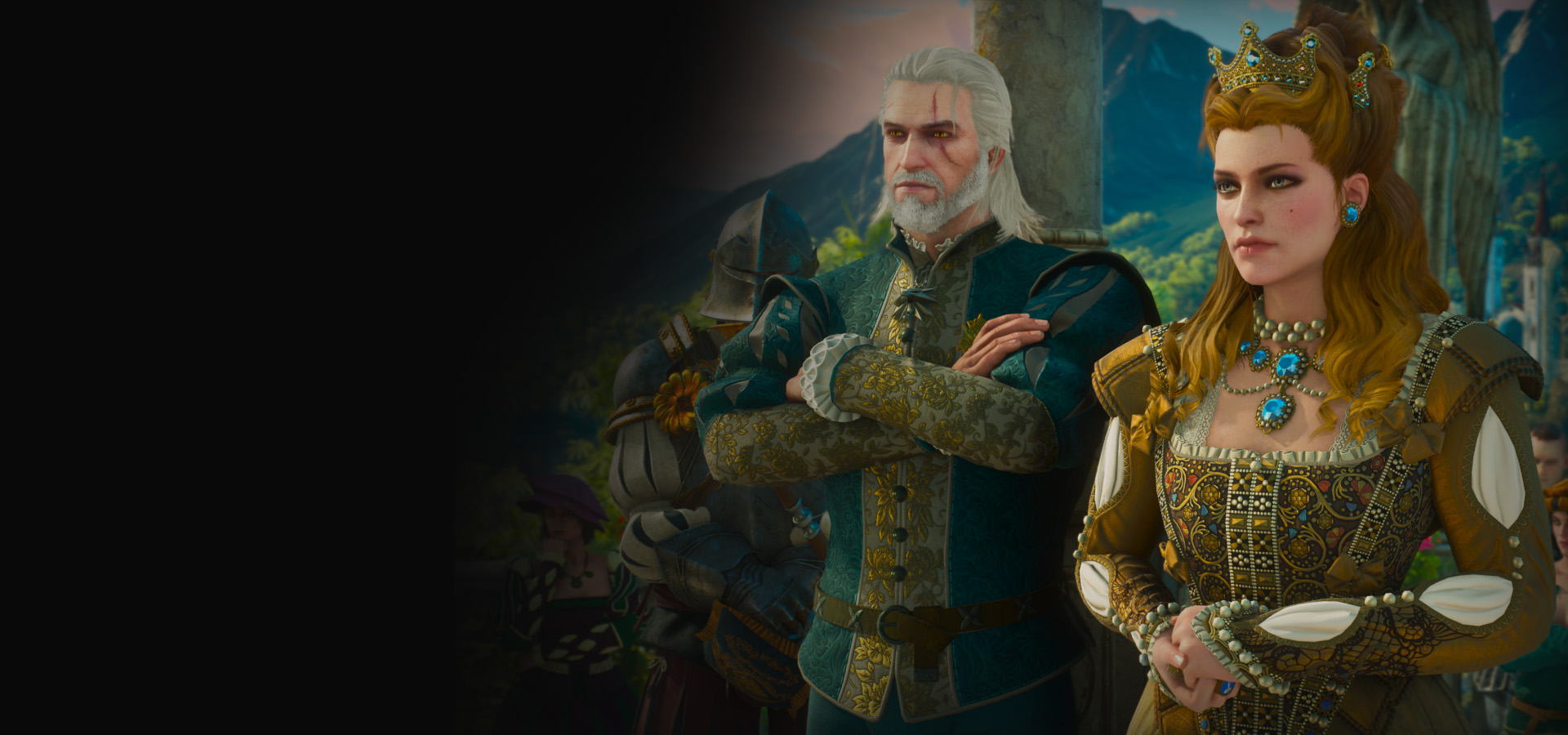
Official CD PROJEKT RED promotional artwork for the Remastered expansion section. Source: The Witcher 3 official game page, checked 2026-10-18. It illustrates the publisher's expansion messaging; it is not proof of an individual account entitlement.
Video: official announcement trailer, embedded from the The Witcher YouTube channel link on the official game page. The video helps identify the current release, but the support FAQ and your storefront library remain the authority for ownership questions.
The short buying and upgrade checklist
Use this order before you buy a duplicate expansion or begin troubleshooting missing content:
- Open the library that owns the base game. Use the Steam, GOG, Epic, PlayStation, Xbox, or Nintendo account that originally acquired it. A search-engine card cannot tell whether that account has a qualifying licence.
- Check the game title and update state. The official FAQ calls the current release The Witcher 3: Wild Hunt - Remastered. Let the platform finish its update before assuming an expansion is absent.
- Confirm the platform rule, not just the edition label. CDPR's FAQ lists PC, PlayStation 5, Xbox Series X|S, and Nintendo Switch as platforms where the two expansions are included with the game update. A prior-generation console or a regional storefront may have a different path.
- Look for expansion access in the game after the update. CDPR says either expansion can be started separately from the main menu. That is a useful access check after the update has completed; it does not replace the storefront's download or ownership screen.
- Use the official support article for an exception. If your library does not match the rule above, capture the exact platform, region, version and error text before contacting support. Do not purchase another copy only because a menu item is temporarily unavailable.
The remainder of this guide explains why these steps matter and where a player should stop making assumptions.
What is included, and what is not being claimed
The two major story expansions are Hearts of Stone and Blood and Wine. CDPR's official game page describes them as the two expansions included with Remastered, and its support FAQ says they are included with the game update on the listed platforms. That is the supported answer to the core DLC question. (Official game page) (CDPR Remastered FAQ)
It is not a universal statement about every product that has ever used the words “The Witcher 3.” Older storefront pages, physical editions, reseller descriptions, promotional bundles, and regional offers can use different names. This guide therefore does not claim a particular price, a particular retailer bundle, or that every historical edition automatically unlocks the same content. Check the offer in the storefront where you will actually play.
The official game page also describes the base game as a Geralt-focused open-world RPG and describes the two expansions as additional story content. It does not turn every feature, quest reward, mod, save file, or cosmetic into an expansion entitlement. If a player is seeking a specific item or quest, the right question may be “is my game updated?” or “which save is loaded?” rather than “do I own the DLC?”
Base game, Complete Edition, GOTY labels, and Remastered
Edition labels are useful clues, but they are not a substitute for checking the current library entry.
Base game ownership
For a player who owns the base game, the official rule is the most useful starting point: CDPR says the two expansions are included with the update on the supported PC and console platforms named above. Update the game from the account that owns the base game, then use the main menu and the platform library to confirm that the current content is available. If the platform shows a separate add-on tile, do not infer that it is a paid re-purchase; read the tile status and its account ownership language first.
Complete Edition and Game of the Year labels
“Complete Edition” and “Game of the Year” are common names a player may see in a library, store search, disc listing, or old guide. The official game page uses both Complete Edition and Game of the Year in its page data, but an individual page or retailer can still be for a different platform, region, or delivery method. Treat the name as a navigation aid: open the product detail page, check the platform selector, and then confirm what that page says is included today.
For this Remastered guide, the safe conclusion is simple: do not buy a second edition solely to obtain Hearts of Stone or Blood and Wine until you have checked whether your existing base-game account qualifies for the update. The publisher's current support rule carries more weight than a label copied into a marketplace title.
Remastered is a version and platform question
CDPR lists the Remastered upgrade on PC, PlayStation 5, Xbox Series X|S, and Nintendo Switch 2. It also says that previously earned achievements from the base game and both expansions carry into Remastered, while existing saves are compatible and skills are reset because of the skill-system overhaul. Those points help distinguish an updated version of the same game from a separate purchase decision. (CDPR Remastered FAQ)
That still does not tell every player how a particular retailer will display a claim button. Use the platform-specific entry below, then follow the linked official guidance where the store account is unclear.
Platform-by-platform: how to verify access
PC: Steam, GOG, and Epic Games Store
CDPR explicitly includes Steam, GOG, and Epic Games Store in its PC statement about the two expansions being included with the update. Start by signing in to the account that owns the base game and let the client complete the update. Then check the game's manage-content or add-on area and launch the game to inspect the expansion choices from the main menu.
Do not treat a friend's library, a family-sharing screen, a mod manager, or a third-party key listing as proof that your own account owns the content. If the client is showing an old branch or an update queue, resolve that state before checking menus. Players who need to move between versions should use the publisher's support direction, not delete saves or reinstall blindly. See the related save compatibility guide and revert to classic version guide.
PlayStation 5 and Xbox Series X|S
For current-generation PlayStation and Xbox platforms, CDPR says the two expansions are included with the game update. Open the game page from the owning account, confirm the installed version, then look for the expansion entry from the in-game menu after the update. The FAQ also says previously earned achievements from the base game and both expansions carry to Remastered, which can reassure returning players without promising that an unfinished quest is immediately selectable on every save.
If an add-on tile says “purchase,” first check whether you are signed into the account that owns the base game and whether the product page is for the right generation. The relevant question is not whether a generic web result says “DLC included”; it is whether your platform has applied CDPR's current update rule to the exact licence in your library. The free-upgrade eligibility guide covers the ownership check in more detail.
Nintendo Switch and Nintendo Switch 2
CDPR says that on Nintendo Switch, Hearts of Stone and Blood and Wine are included with the game update. It separately says that an owner of The Witcher 3: Wild Hunt on Nintendo Switch can claim Remastered for free on Nintendo Switch 2 once released. The same FAQ states that this Switch 2 free upgrade is not available in Russia and Belarus. These are different facts: expansion inclusion on Switch is not the same as the availability of the Switch 2 upgrade in every region.
Before buying anything, check the Nintendo Account region and the storefront page associated with that account. Do not change region settings or create a new account merely to pursue an upgrade based on a generic claim; region and account choices can have broader store consequences. If the library display conflicts with the FAQ, use official support with the exact account region and platform details.
PlayStation 4 and Xbox One
The official game page says that on PlayStation 4 and Xbox One, the expansions remain available as free downloads. That language is distinct from the Remastered current-generation platform list. In practical terms, use the game page for the download path and the FAQ for the Remastered platform rule; do not collapse those two statements into a claim that a prior-generation console is running the same release.
If an expansion is not visible, first check the owned account and the game's product page, then confirm that the console has enough storage and has completed any available update. Avoid repeatedly purchasing or removing add-ons while trying to diagnose the problem. The official source should decide a platform-policy question, while a standard console support flow should decide a local download failure.
How to find and start an included expansion
Once the update and account check are complete, the official game page says either expansion can be started separately from the main menu. Use that option deliberately:
- Back up or preserve the save you want to continue. This is especially important when you are returning after a long break or moving to Remastered.
- Launch the game from the account and platform where the update completed.
- On the main menu, look for the separate expansion-start option described by CDPR.
- If the option is present, choose the expansion only when you are ready for that content path. Starting an expansion separately is an access feature, not a recommendation about the best narrative order.
- If the option is missing, stop and verify the version, download status, ownership account, and platform generation before changing saves or buying an add-on.
This process avoids a common mistake: treating a missing menu option as evidence that the expansion is not included. A pending update, an offline console, a different account, or a wrong product generation can produce the same symptom.
Common mistakes to avoid
Buying DLC before checking the owning account
Players often search a broad phrase, see an old store card, and purchase an add-on even though the base-game account is already entitled through the update. Start with the account library. The published CDPR rule is about qualifying ownership and supported platforms, so the library is the best first evidence.
Treating every edition name as identical
Complete Edition, GOTY, base game, physical release, and Remastered are not interchangeable labels for account troubleshooting. A page can be accurate for one platform and unhelpful for another. Record the exact game title, platform, region, and store before asking support or comparing an offer.
Assuming a cross-platform purchase
The cited material confirms platform availability and upgrade rules; it does not state that a purchase on one storefront automatically grants a separate entitlement on another. Do not assume a Steam copy unlocks a console licence, or that a prior-generation licence follows any account in every situation. Use My Rewards and cross progression for the separate account-linking topic.
Confusing DLC access with save compatibility
The FAQ says existing saves remain compatible and that skills are reset because of the skill-system overhaul. That is useful, but it is not a guarantee that every save state is ideal for immediately beginning either expansion. Keep a backup and use the save compatibility guide before changing versions or starting DLC from the menu.
FAQ
Are Hearts of Stone and Blood and Wine free?
CDPR says both expansions are included with the game update on PC (Steam, GOG, Epic Games Store), PlayStation 5, Xbox Series X|S, and Nintendo Switch. “Free” in this context does not erase platform, region, account, or ownership conditions. Confirm the current store page and your account before buying a second copy.
Do I have to finish the main story before I can access the DLC?
The official game page says each expansion can be started separately from the main menu. It does not make this page a story-order recommendation. Use that menu option for access, then consult the game and your preferred spoiler-safe guide for sequencing decisions.
Will my old achievements and saves still work?
CDPR says existing saves are compatible and that achievements already earned in the base game, Hearts of Stone, and Blood and Wine carry over to Remastered. It also says skills are reset due to the skill-system overhaul. Back up your save before updating and read save compatibility for the practical checklist.
Is Nintendo Switch 2 access the same in every country?
No. CDPR's FAQ says the Nintendo Switch 2 free upgrade is not available in Russia and Belarus. Do not use a claim from a different regional store as proof that your own account will receive the same option.
The store shows a separate expansion purchase. What should I do?
First verify the account, platform generation, installed update, and regional product page. Then compare that information with the official support FAQ. If the mismatch remains, contact CDPR or platform support with those specifics. Do not infer that you must buy the add-on again from the existence of a generic purchase tile.
Related upgrade guides
- Free upgrade eligibility
- How to claim the upgrade
- Save compatibility
- Achievements and trophies carry-over
- Nintendo Switch to Switch 2 upgrade
- Remastered release date and platforms
Sources and update boundary
- CD PROJEKT RED Support: The Witcher 3: Wild Hunt - Remastered FAQ — platform scope, save/achievement information, Switch 2 and regional exception. Checked 2026-10-18.
- The Witcher 3 official game page — expansion inclusion, separate-start statement, official trailer and promotional artwork. Checked 2026-10-18.
This is an unofficial, noncommercial fan guide. It is not approved or endorsed by CD PROJEKT RED. Storefront terms, region availability, and support policies can change; the linked official sources and your own library remain the authority for a purchase or account decision.